Accelerate
Apply gas to gain speed and lift the front wheel.
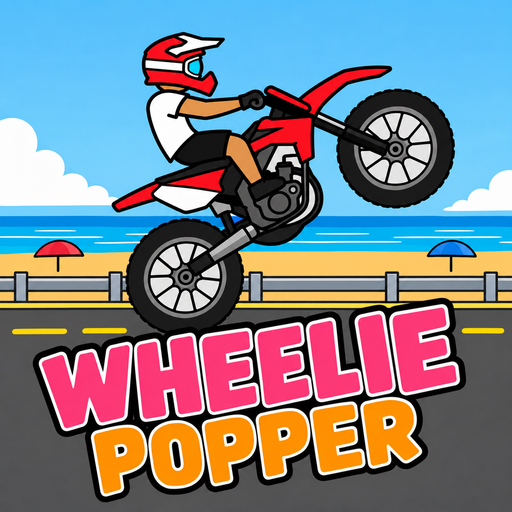
Select Play Now to load the game. Close the Daily Gift panel if it appears, then click Play on the motorcycle screen. Click inside the game if the arrow keys scroll the page. Open the original game page.
Controls checked against the linked game sources.
Apply gas to gain speed and lift the front wheel.
Use the brake to slow the motorcycle.
Change your riding posture by standing up.
Hold down while riding to attempt a trick.
Pick another browser game. Each page includes a player, controls, and links to the creator.
 NEW
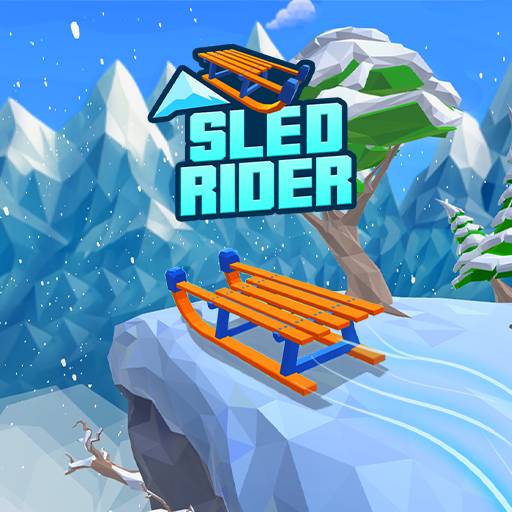
Steer and jump through snowy slopes, avoid hazards, and collect gift boxes to unlock sleds in this 3D endless runner.
 POPULAR
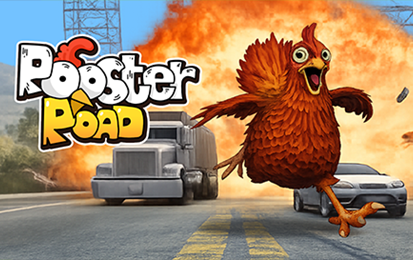
Hold to run forward and release to avoid traffic as you race across busy roads.
 HOT
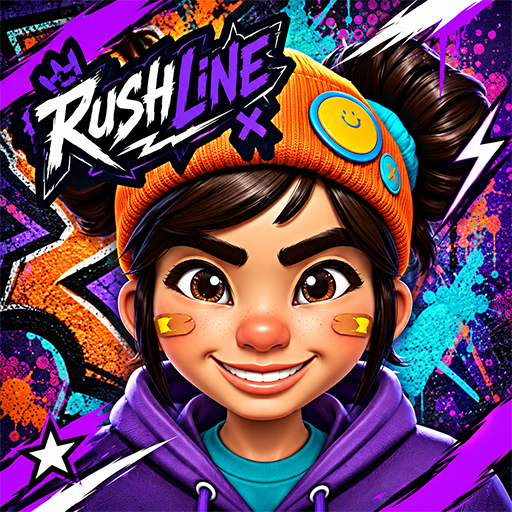
Dash through hazardous city streets, slide under barriers, leap past spikes, and evade a relentless robotic chaser in this 3D cartoon runner.
Wheelie Popper is a side-view motorcycle stunt game about keeping the front tire in the air. You start on Sunny Beach, accelerate along the coast, and use the throttle to bring the nose of the bike up. The road keeps going as long as you stay upright. You can touch down and lift the wheel again during the same run, but flipping all the way back ends the attempt.
The riding screen shows speed, wheelie time, score, and coins. Those readouts help you tell the difference between riding quickly and actually holding a wheelie. A short, controlled lift is enough to learn how the bike responds before you try a longer balance or add a trick. A-Z Games lists the browser release on November 4, 2026 and supplies the player embedded here.
Press Play Now above to open the browser game. When the motorcycle and the Sunny Beach map button appear, press the green Play button inside the game. On a keyboard, hold the right arrow to give the bike gas. Release it for a moment as the front wheel comes up, then apply gas again if the tire starts to drop. The left arrow applies the brake.
For a first run, try lifting the front wheel a little, bringing it safely back down, and repeating the same move. Watch the angle of the bike against the road and use the speed display to see how much momentum you are carrying. If you lose balance, use the next attempt to change one thing, such as releasing the throttle earlier when the motorcycle starts to tilt.
A bump can change the angle of the bike even while you are holding a steady input. Leave yourself room to recover by keeping the first few wheelies fairly low. If the front wheel is rising more quickly than you expected, ease off the throttle and watch what the bike does before giving it more gas. Near an uneven patch, it can be easier to put both wheels down and start another wheelie after it.
The standing and trick controls give you another way to ride once you can keep the bike steady. The up arrow stands the rider up, and the down arrow performs a trick. Try a trick on a stretch of road where you already feel in control. If you are chasing a personal best, compare how long you can hold a plain wheelie with how long you can maintain it while using the trick input.
Pick up coins along the road and go to Upgrade on the motorcycle screen to see where you can spend them. The game displays speed, balance, and tail stats for the selected bike. If you often overshoot the angle and flip, look at the balance option first. If you are comfortable holding a wheelie and want more pace, compare the speed upgrades. Ride again after an upgrade to get a feel for the change.
A-Z Games lists shields, coin magnets, and speed boosts among the pickups. A magnet helps with collecting coins, and a speed boost changes your pace, so keep an eye on the bike when you hit one during a wheelie. The listing also describes 15 unlockable motorcycles and cosmetic options such as paint, outfits, and helmets. Use the arrows beside Play to view the bikes and check the current options in the player.
The map button on the motorcycle screen shows the route currently selected. Choose Sunny Beach to open the Maps panel and see the other locations. Alongside the beach, the listing names Downtown, Dust Highway, and Night Run. Check the map panel for the requirements shown on any locked route.
Sunny Beach is a practical place to learn because you can repeat a familiar stretch while testing how small throttle changes affect your balance. Once you are confident about getting the front tire back down without crashing, try the same inputs on another route you have opened. Road bumps can change when you need to release the throttle, so let your first few runs on that route be practice.
Pick one target for the next ride, such as holding a low wheelie through a bump or landing safely after a trick. On the following run, try to repeat it with fewer corrections. If a different motorcycle or a speed upgrade changes how quickly the front wheel comes up, go back to short lifts until your timing feels familiar. The same stretch of road gives you a consistent place to compare attempts.
You can play in the embedded browser player without installing a separate game. If an arrow key moves the webpage, click the riding area to give it keyboard focus. The Fullscreen button above is available when the browser supports it and gives you more space to see the bike, the road ahead, and the score while you ride.
Yes. Select Play Now on this page and then Play inside the A-Z Games browser player.
Hold the right arrow to accelerate and raise the front tire. Ease off when the bike tilts back, then use short bursts of gas to keep it balanced.
You can lower the front tire and try another wheelie in the same run. A backward flip ends the attempt.
Use the down arrow for a trick while riding. The up arrow makes the rider stand.
Use Upgrade on the motorcycle screen to view the current bike’s options. Use the arrows beside Play to browse other bikes.
The game lists Sunny Beach, Downtown, Dust Highway, and Night Run. Use the map button on the motorcycle screen to see available routes.
Game information and controls checked on November 20, 2026. This is an independent game page.
A-Z Games provides the embedded browser player and cover artwork.