Walk
Use W, A, S, and D for movement. The in-game Walking tutorial checks each direction.
Use a desktop or laptop browser with a keyboard and mouse. The official site currently does not support mobile play. Open the original game page.
Controls checked against the linked game sources.
Use W, A, S, and D for movement. The in-game Walking tutorial checks each direction.
Use the nearby-object prompt, such as F to use a workbench.
The minimap labels M as the local map shortcut.
The menu provides inventory, crafting, map, journal, and settings.
Pick another browser game. Each page includes a player, controls, and links to the creator.
 NEW
NEWGrow crops, cook recipes, arrange farms, assign workers, and build toward prestige in pollikk_studios’ free incremental farming demo.
 NEW
NEWDraw armor and projectiles pixel by pixel, then test penetration physics in two campaigns or an unrestricted sandbox by Matthew Zhang and roastrice.
 NEW
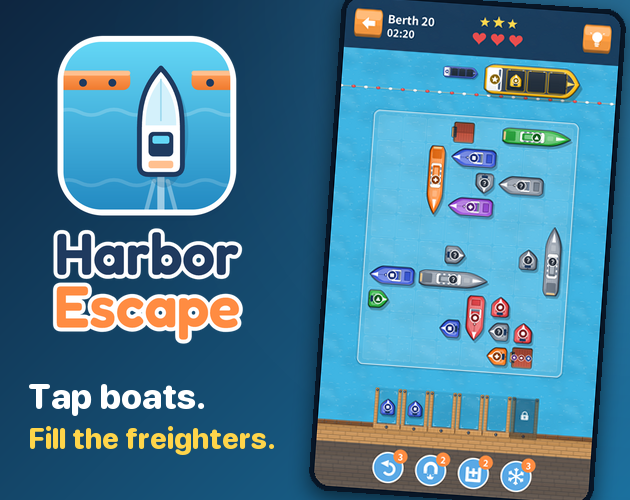
NEWTap boats out of a crowded harbor, load matching freighters, and plan around limited waiting berths in autorun666’s puzzle.
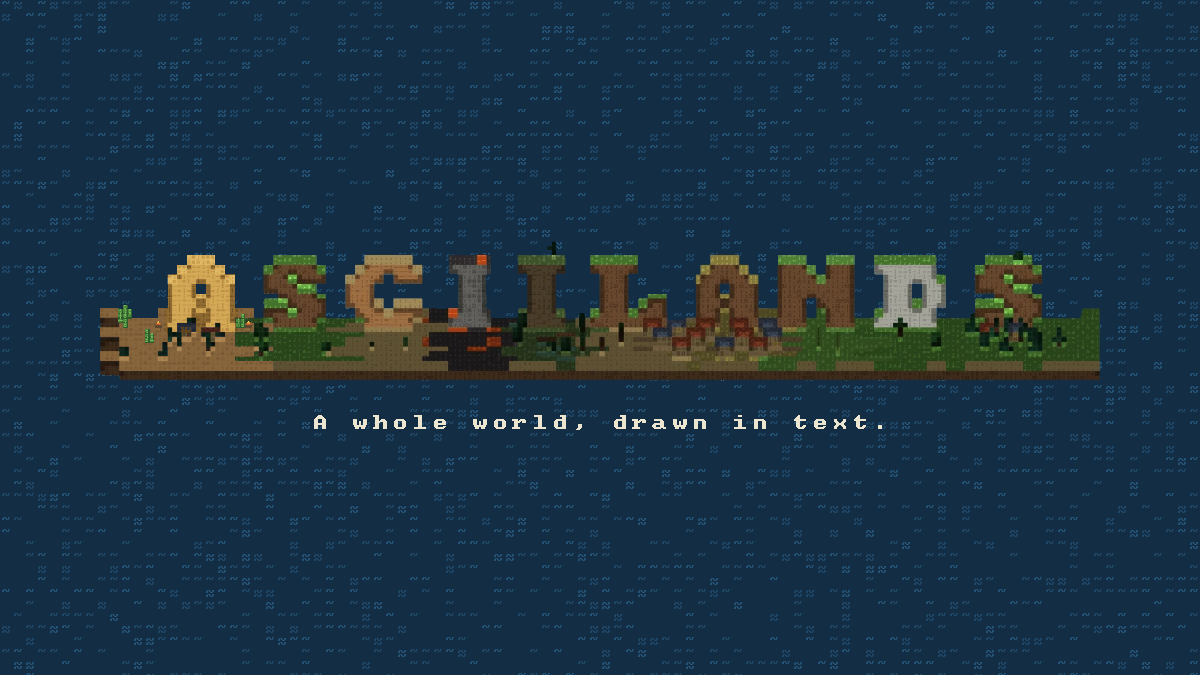
Asciilands is a free multiplayer sandbox developed by Qaz. Its landscapes and characters are drawn with text, giving forests, coastlines, buildings, and equipment an ASCII appearance. The official site presents survival, gathering, exploration, and construction as the core activities. You can pursue your own projects or share the world with other players, rather than choosing from a fixed sequence of puzzle levels.
The project is in open beta and active development. This page loads the official browser player when you press Play Now. It is useful for trying the current game on a desktop or laptop without installing a separate client. Features described here come from the official site and its FAQ checked on October 23, 2026; later builds can change the interface or the available systems.
Press Play Now to open the embedded player and allow the game to load. The current first-time interface offers character creation, including a name field and appearance tabs for body, hair, and clothes. You can turn the preview to inspect your character or use the randomize option. Enter a name that meets the displayed requirements, then choose Save Character to continue. On the title screen choose Play as guest, continue as a guest at the Discord prompt, then select a starting location and Begin.
Walk with W, A, S, and D, and follow the first-steps tutorial to practice each direction. F interacts with a nearby object when its prompt appears. M opens the local map, while Tab or Esc opens the menu for inventory, crafting, map, journal, and settings. Click inside the player before using keyboard input, particularly after scrolling through this guide. The fullscreen action gives the game more space on a computer screen.
The official world description connects forests, coasts, deserts, and mountains in one world. Exploration is a central activity, with the site hinting at secrets to discover. Those environments provide a reason to look beyond the starting area, but this guide does not supply an unverified map route or promise particular resources at fixed coordinates. Use the terrain and the current game interface to orient yourself.
Gathering includes chopping trees, mining ore, fishing in shallow water, and harvesting rare plants. These are the resource activities named by the official site. A practical first-session approach is to become familiar with one activity at a time before committing to a larger construction project. That is a suggested learning order, rather than a required quest chain or an optimal progression formula.
Crafting and forging extend that resource loop. The official description includes making tools, smelting ore, and using an anvil to create custom equipment and weapons. The important distinction is that collecting materials and turning them into gear are connected activities. Follow the current crafting interface for recipes and requirements; fixed costs, crafting times, and item statistics are not established by the public overview.
Construction can grow from a camp into a house, town, city, or nation according to the official feature overview. The world is shared, and the site says that what players build remains for others to find. This makes a building project part of a wider multiplayer landscape. It also means that the environment can reflect the work of other people rather than only your own session.
The official FAQ describes Discord login as enabling cross-device continuation and social systems including Friends, Parties, and Towns. Those features give players ways to connect beyond simply occupying the same landscape. Guest progress is also supported. Choose whether to use the game’s optional login based on the features you need; this independent website does not manage an Asciilands account or a player’s identity.
Inscriptions form another part of the game’s feature list. The official description says players can derive arcane inscriptions and learn to cast ASCII spells. It presents magic alongside gathering, forging, and construction, giving the sandbox another system to investigate. Exact spell recipes and combat outcomes are not specified in the public overview, so use the game’s own information when experimenting.
Asciilands has its own world and gameplay, while its rendering technology derives from Asciicker by gumix / msokalski. The official credits identify Qaz as the Asciilands developer and distinguish the project from an official Asciicker release. The text-based rendering is therefore a useful way to recognize the game visually, while the credits explain the origin of the underlying rendering work.
Asciilands is free to play. The official FAQ describes donations as optional support for server hosting. There is no purchase step required to load the browser player on this page. Browser gameplay still depends on the third-party service being available; if the world is temporarily unavailable, check the official site’s server status rather than assuming that a page reload will restore service.
Only desktop and laptop browsers are currently supported by the official FAQ. Mobile support and a downloadable client or Steam game are described as possible future directions, not current guarantees. Use a computer with a keyboard and mouse for this version. A webpage that fits a phone screen does not establish that the embedded game itself supports touchscreen play.
Progress saves for both guests and Discord users, and the world is persistent, according to the official FAQ. Persistence is not a promise that beta data will remain forever. The creator says future wipes are possible and would preferably affect builds and the world rather than items unless necessary. Avoid treating a beta construction project as a permanent archival copy, and check official announcements for changes.
Yes. The official game is free to play, with optional donations supporting the project. Press Play Now to load the browser player.
No. The official FAQ currently supports desktop and laptop browsers only. Mobile support is described as a future direction.
No. Guest progress is supported. Discord login enables cross-device continuation and social features including Friends, Parties, and Towns.
Yes. The official FAQ says guest and Discord progress save and the world is persistent. Future beta wipes remain possible.
Qaz developed Asciilands. Its rendering technology derives from Asciicker by gumix / msokalski, but it is a separate project.
Explore connected landscapes, gather resources, craft tools, forge custom gear, build settlements, and learn ASCII spells in a shared multiplayer world.
Game information and controls checked on October 23, 2026. This is an independent game page.
Asciilands is developed by Qaz. Its renderer derives from Asciicker by gumix / msokalski; it is a separate project. This independent page embeds the official player.
Game features, free browser play, supported devices, persistent progress, and beta status.
Character creation and the current playable browser build.
Qaz developer credit, Asciicker rendering roots, and third-party asset acknowledgments.