One-button basketball
Use a single jump-and-shoot input to move your floppy characters and contest the ball.
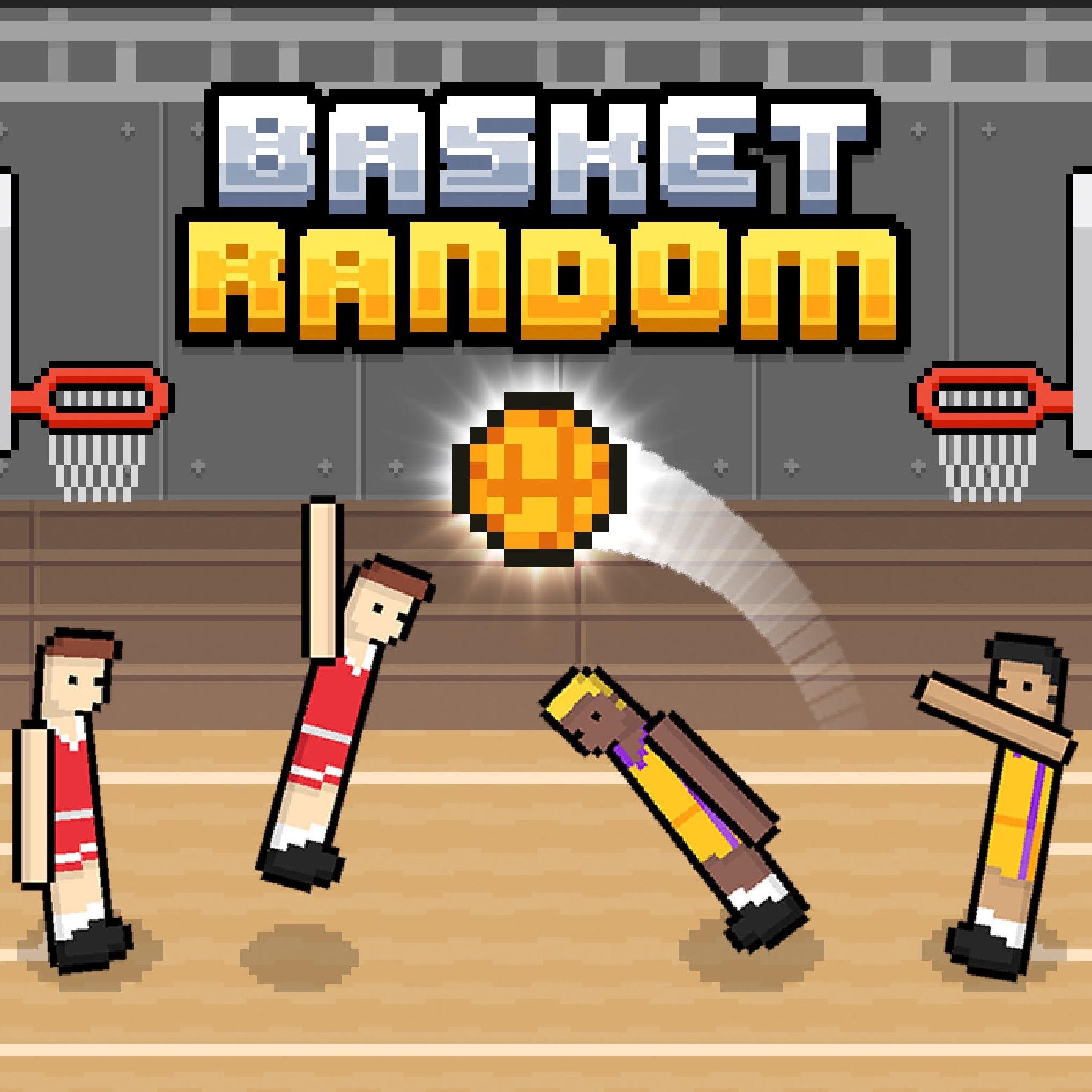
Click to play online free in your browser.
One-button timing, unpredictable physics, and quick basketball rounds
Use a single jump-and-shoot input to move your floppy characters and contest the ball.
Play against the CPU or share a keyboard with a friend in the local two-player mode.
Changing courts, character shapes, and ball types keep each short match unpredictable.
Score baskets, defend your hoop, and reach five points before the opposing team.
Pick another browser game. Each page includes a player, controls, and links to the creator.
 NEW
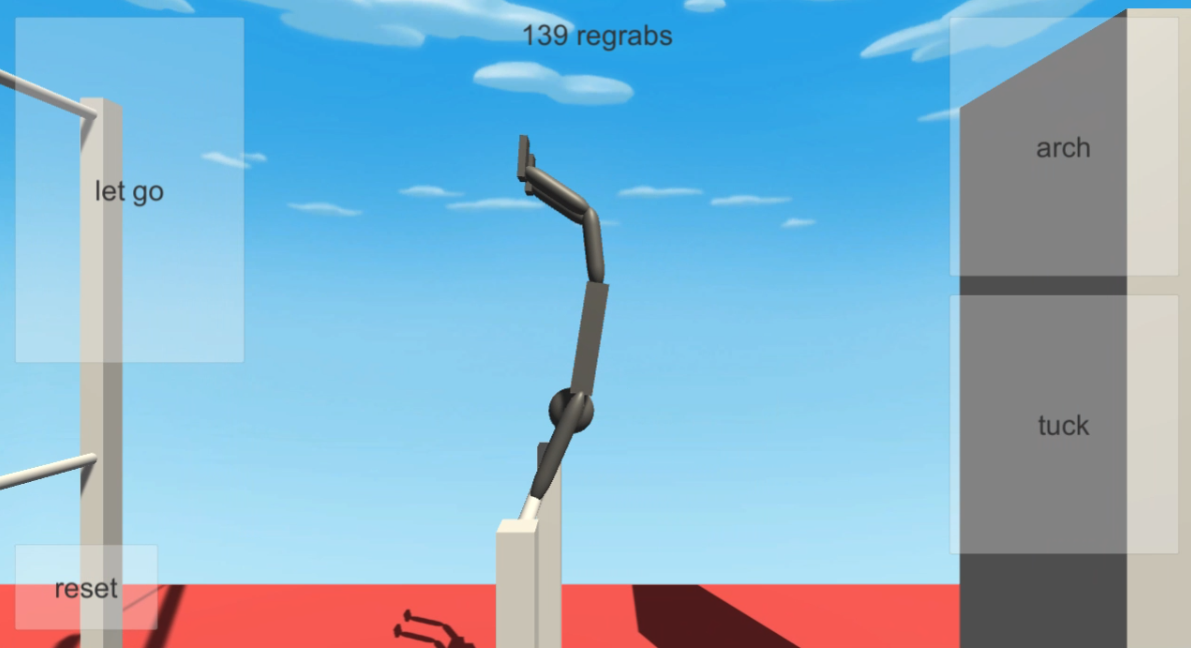
NEWExperiment with a gymnast on a bar: arch, tuck, release your grip, and reset for another attempt in this Unity physics simulation by jamesnorth.
 NEW
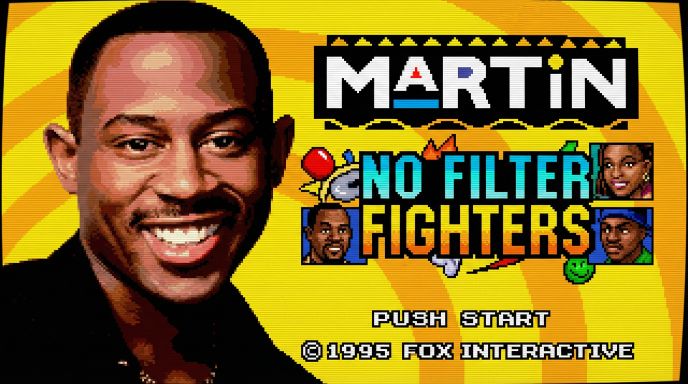
NEWChoose a fighter and sidekick in Trey2k23’s unofficial Martin fan tribute, with signature supers, stage breaks, and local or online versus modes.
 HOT
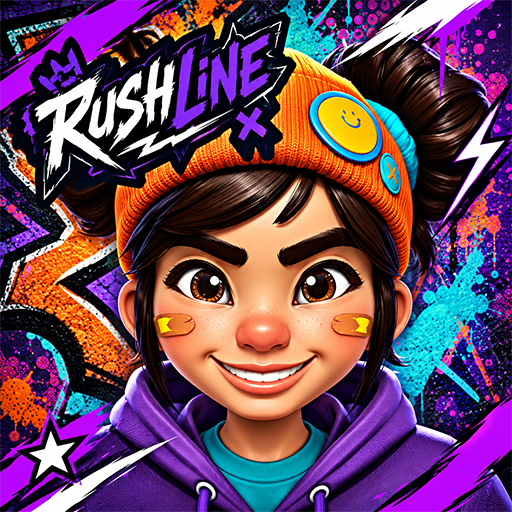
HOTDash through hazardous city streets, slide under barriers, leap past spikes, and evade a relentless robotic chaser in this 3D cartoon runner.
Key details checked against the public game listing and playable browser build.
Sources checked September 21, 2026 against the public game listing and the playable browser build.
Basket Random takes the familiar objective of basketball and reduces the controls to a small, easy-to-understand action. The characters move with floppy physics, the ball can behave differently from one round to the next, and the court setup changes as the match continues. The result is a browser basketball game where timing matters more than memorizing a complicated control scheme.
The public game listing describes the title as an HTML5 sports game with one-player and two-player modes. In one-player mode, you compete against the CPU. In local two-player mode, a second person can use the same keyboard and control the opposing team. That makes the game suitable for a quick solo session as well as a short head-to-head match on one computer.
The random element is visible in the match presentation and play space. Public descriptions mention changing fields, characters, and balls, while the playable build presents the pixel basketball court and its one-button menu. Because the physical setup is not identical every time, the same jump timing does not always produce the same bounce. Reading the situation before committing to a jump is part of the challenge.
Start by clicking Play Now above and wait for the playable build to load. Select the one-player option if you want to face the CPU, or choose the two-player option when you are sharing the device with a friend. The game uses short rounds, so you can understand the rhythm quickly without setting up a long campaign or account.
Your immediate objective is to reach the ball and send it toward the opponent basket. Press the control key to make your character jump and interact with the ball. A well-timed jump can help you take possession, redirect a loose ball, block an incoming shot, or finish a basket. Since the characters have exaggerated physics, a jump may also carry a character into an awkward position. Recovering from those unexpected moments is part of the game's appeal.
Every basket adds one point to the scoring team. The public listing states that the first team to reach five points wins. After a point, the next situation can look different, with new court details, character proportions, or ball behavior. Treat every restart as a fresh read of the court rather than assuming the previous shot will work exactly the same way.
The game keeps its controls intentionally compact. Solo play uses the W key to jump; local matches add the Up Arrow key for the second person. The public listing also identifies touch controls for phones and tablets, so a compatible touchscreen can use taps instead of a keyboard.
If the keyboard does not respond immediately, click once inside the game frame so the browser gives the canvas focus. This is a normal browser focus requirement for keyboard-driven canvas games and is especially useful after switching away from the tab or opening the game in fullscreen. On mobile, use the game area itself for taps rather than the surrounding page controls.
The simple control scheme does not make the game automatic. You still need to decide when to press the key. Press too early and the character may jump underneath the ball; press too late and the opponent can reach it first. In two-player matches, both competitors also need to watch the same ball and react to changing spacing between the teams.
Start each round by watching the ball's first movement. The changing ball types and courts mean that a cautious first jump gives you useful information about bounce height, travel speed, and where the next contest will happen. Once you know the rhythm, use short, deliberate presses instead of holding the key without a plan.
Defense is as important as shooting. A jump can place your character between the ball and your own hoop, interrupt an opponent's attempt, or force a bad rebound. In two-player mode, one competitor can focus on challenging the ball while the other protects the scoring area. The characters may collide or tumble, so leave yourself enough time to recover before the ball reaches the basket.
Finally, remember the five-point win condition. A risky spectacular shot is not always better than a controlled touch that keeps the ball in play. When the score is close, prioritize getting in front of the opponent and making the next safe contact. The combination of one-button controls and changing physics rewards attention, quick reactions, and the willingness to adapt every round.
Answers about gameplay, controls, modes, and browser play.
Basket Random is a physics-based arcade basketball game with simple one-button controls, unpredictable character movement, changing courts, and quick matches. You can play against the CPU or with a second player on the same device.
Click Play Now to play Basket Random online, wait for the browser game to load, then choose the one-player or two-player option in the game menu. The game runs in the browser and does not require a separate download from this page.
Solo matches use W to control the player. For local play, the first person presses W and the second uses the Up Arrow key. The public game listing also reports touch controls for compatible phones and tablets.
The first team to score five points wins. Time your jumps to reach the ball, shoot into the opponent basket, and interrupt the other team before it can score.
Yes. The local mode supports two people. One person presses W and the other uses the Up Arrow key, so both can compete on the same keyboard.
The game changes parts of the match setup, including courts, character proportions, and balls. These variations alter how the ball moves and how much reach or timing each play requires.
Ready for another browser game? Return to the homepage to play Scritchy Scratchy, explore the guides, and discover more featured games.