Attack left
Strike at an enemy approaching on your left once they come into range.

Use A and D or the left and right arrow keys on a keyboard. On a touch screen, follow the two attack areas shown by the game. Open the original game page.
Controls checked against the linked game sources.
Strike at an enemy approaching on your left once they come into range.
Strike at an enemy approaching on your right once they come into range.
Use the side of the screen indicated by the game for the strike you want.
Pick another browser game. Each page includes a player, controls, and links to the creator.
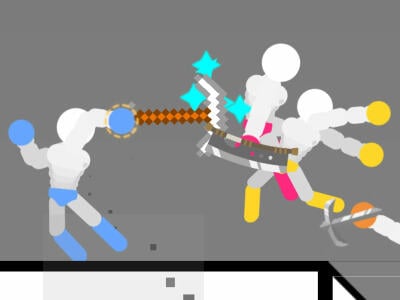 POPULAR
Move a stickman with WASD in single player, or try two-player and survival in the Gameflare build.
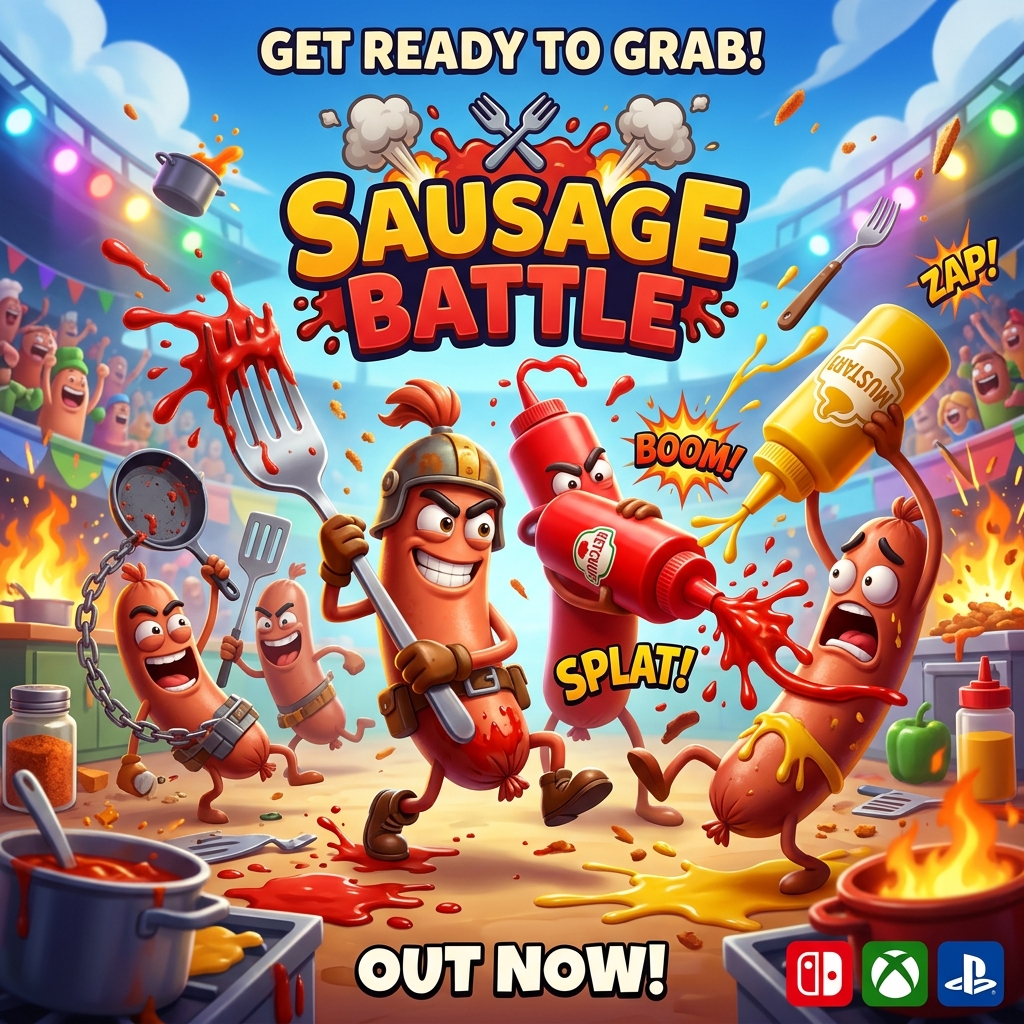 NEW
Steer a wobbly sausage, use momentum to shove rivals, and stay clear of arena hazards.
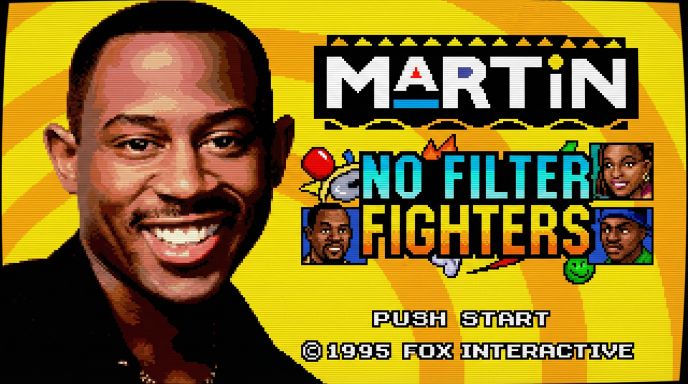 NEW
Choose a fighter and sidekick in Trey2k23’s unofficial Martin fan tribute, with signature supers, stage breaks, and local or online versus modes.
Tap Brawl is a two-dimensional arcade fighter by AZGames. Your fighter stands in the center while enemies approach from both sides. Each input attacks to the left or right. Survival depends on choosing the right side and striking when the enemy comes into range. The opening gives you time to see the pattern. Later waves make the same two choices much harder by sending enemies in more quickly.
Press Play Now to load the browser edition without installing an app. Once the game starts, watch the distance between your fighter and the nearest opponent on each side. A run gives you a score to beat, and the publisher describes coins and unlockable fighters as rewards for continuing to play. You can start learning the timing with the first fighter the player gives you.
In the main menu, look for the green button with a triangle below the fighter. This is where you start a run after the game has loaded. The coin total is visible in the upper corner, separate from the fighter preview. The weapon icon and the surrounding menu belong to the game, while the fullscreen button below the player belongs to this page. Fullscreen is useful if your display crops part of the menu or if you want more room to see both approaches before starting.
Press A or the Left Arrow key to attack left. Press D or the Right Arrow key to attack right. Choose one pair and use it through a run so you have a consistent response when the pace picks up. These keys attack from the middle rather than walking your fighter around the stage. Click inside the player first if your keypresses scroll the page or seem to have no effect.
On a touch screen, look for the areas indicated for left and right attacks. Put a thumb in reach of each side so you can strike without covering the approaching opponents. Tap when the nearer enemy is close enough to hit. If a touch does not register, check which areas the player shows before moving your fingers closer to the edge of the display.
Use the first few opponents to learn where a strike connects. Watch an enemy advance and pay attention to the distance when you land the hit. If you miss because you attacked too early, wait a little longer on the next attempt. If the enemy reaches you before your strike lands, act sooner once they cross the same part of the screen. A visual reference gives you something consistent to aim for.
Keep your gaze near the center, where you can see both approaches. After each successful strike, check the side you just hit as well as the opposite side. The next threat can come from either direction. Use what you see to decide whether to switch hands or repeat the attack on the same side. An alternating pattern can feel fast while still hitting empty space.
As enemies come in faster, watch for the one that will reach your fighter first. The closest sprite is usually the most immediate threat, but speed matters if two opponents are nearly level. Compare the last bit of ground each one covers before you press a key. Once the first enemy is gone, look again. An opponent that was far away a moment ago may already be within range.
A useful way to practice is to pick one kind of miss to correct each run. If you keep striking too soon on the left, watch that approach for one extra beat during the early waves. If you are caught looking only at the side you just attacked, move your gaze back to the center as soon as the hit lands. Improving one decision gives you something to measure even when a run ends early.
If two enemies arrive almost together, finish the first attack before moving your attention to the second. You have only two inputs, so the decision is about order and timing. Take the next run as a chance to practice that sequence.
The 1Games listing describes longer survival runs, coins, and unlockable fighters. Compare your score to your previous attempt and check the fighter menu for the options and prices in the current build. Use the score to tell whether a change to your timing is helping. The important practice is landing hits in sequence as the enemies speed up, which you can do with the fighter you start with.
Tap Brawl is about recognizing which side needs a strike next. Ragdoll Hit Stickman gives you more movement options and more emphasis on collisions, while Sausage Battle is about steering into a rival from a good angle. Try Tap Brawl when you want to work on fast decisions with only two attack inputs. Start with deliberate hits, then shorten your response as the waves leave you less time.
Yes. Choose Play Now to open the 1Games browser player without installing an app.
Press A or Left Arrow to strike left, and D or Right Arrow to strike right.
Your fighter stays in the center. Your inputs choose which side to attack.
Watch both sides and strike the enemy that is about to reach you. Wait for them to get into range instead of pressing both keys at random.
Yes. The source lists coins earned during play and fighters you can unlock. Check the menu for the available options.
Game information and controls checked on November 11, 2026. This is an independent game page.
Tap Brawl is credited to AZGames on 1Games. This page embeds the 1Games browser player.