Bake a cookie
Click the large cookie and watch the total increase.

Click the large cookie and use the Store on the right. The embedded game displays Cookie Clicker while you play. Open the original game page.
Controls checked against the linked game sources.
Click the large cookie and watch the total increase.
Buy an available item when you have enough cookies. Start with the first row.
Use the tabs at the top of the center panel.
Pick another browser game. Each page includes a player, controls, and links to the creator.
 NEW
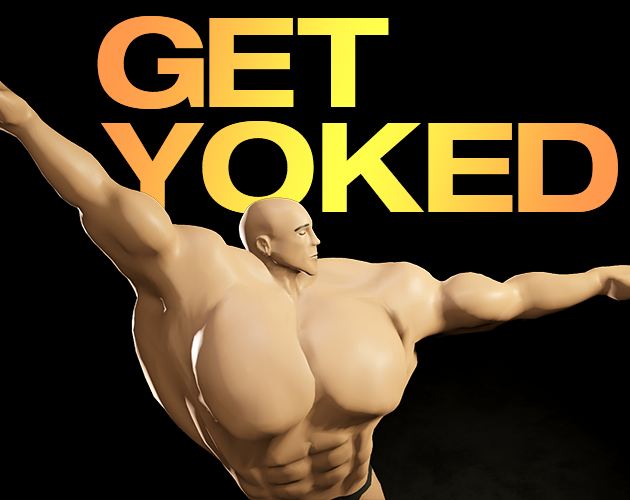
Play workout, rest, and supplement cards to build muscle, manage fatigue, and reach competition goals in Greg Austin’s bodybuilding deckbuilder.
 NEW
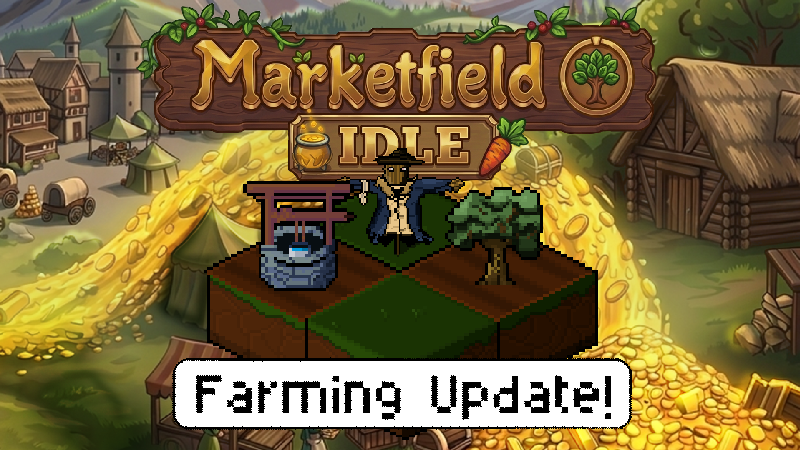
Grow crops, cook recipes, arrange farms, assign workers, and build toward prestige in pollikk_studios’ free incremental farming demo.
 NEW
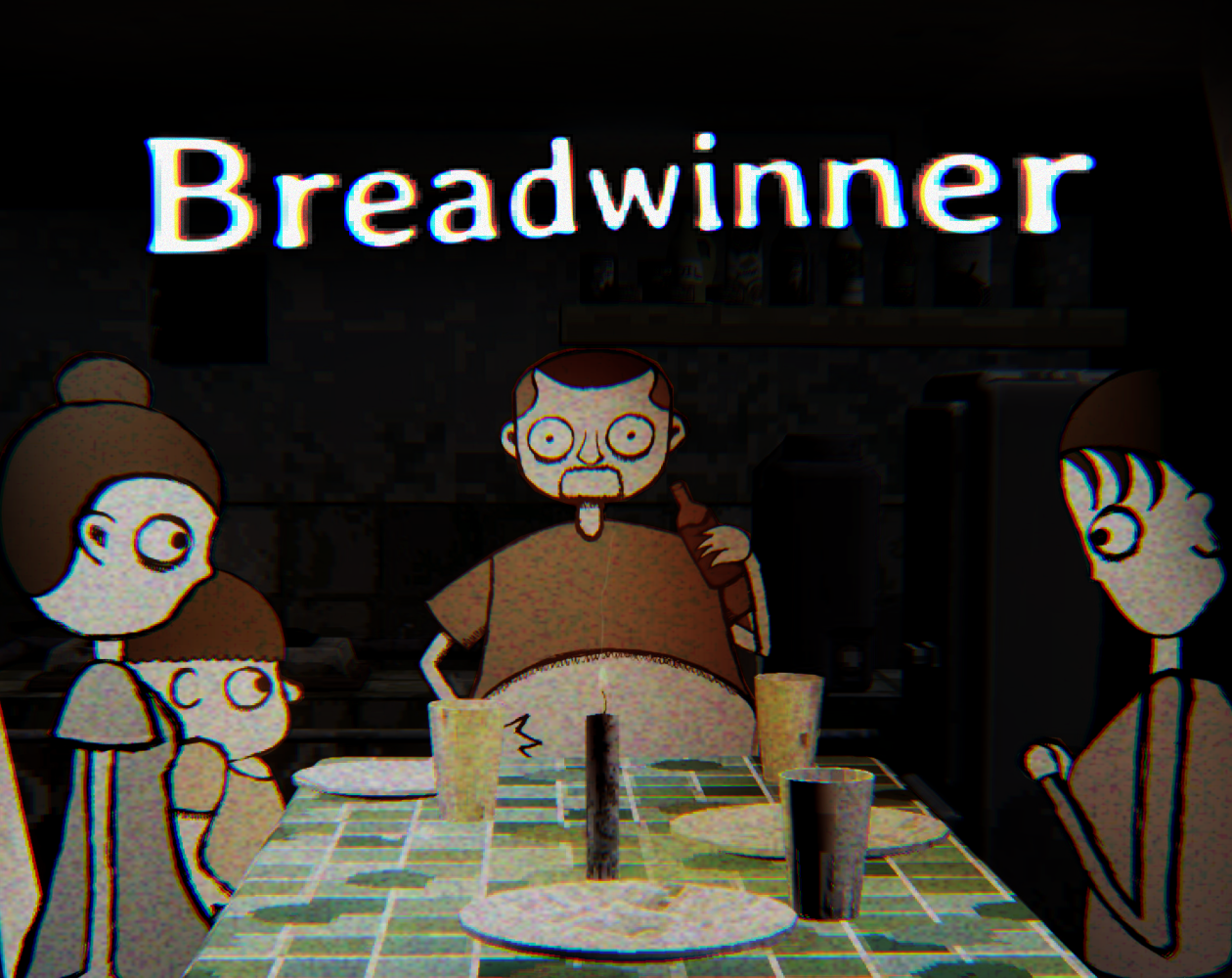
Divide six paydays between household bills and your family, then walk home to face the consequences in this Filipino horror story by Mithika Games.
Cookie Clicker 3 is the listing name for the idle clicker on this page. The game itself displays Cookie Clicker and shows a large cookie, a total, a production rate, and a Store. Click the large cookie to build up your balance, then spend cookies on items that produce more. Once production starts, you can watch the balance rise between clicks.
This page restores the browser build that the original game page embedded. That matters if you find other games with the same title and see different features in their guides. The instructions here describe the player above. Use the Store, Options, and Stats shown in the game as your reference for what this particular build offers.
Press Play Now and wait until the cookie counter and the Store appear. The first load can show a temporary loading message before the game is ready. Click the large cookie once and check the total. It increases from zero to one on a fresh run. Keep clicking to build a balance while the production rate below the total is still zero.
Read the two numbers separately. The large number is your current cookie balance. The smaller number under it is cookies per second, the rate of automatic production. Clicking raises your balance directly. A purchase that adds production can lower your balance while raising the rate, which is why the total alone does not show how well your bakery is doing.
Look at the first row of the Store. A fresh run shows 15 cookies as the starting price for the first Cursor. Keep the store in Buy mode and select the single-item quantity so you can start with one. Once you reach the listed price, click that row to buy. The price and quantity displayed in your own run are the ones that apply.
In the hosted build, the first Cursor raises the displayed rate from zero to 0.1 cookies per second. That is one cookie every ten seconds at that starting rate. Take your hand off the mouse for a moment and watch the balance. You can keep clicking while the Cursor works, and the bakery can now make progress between clicks.
The Store has Buy and Sell modes and quantity buttons marked 1, 10, and 100. If the displayed price seems too high for a single item, check the active quantity before you click. Use the single-item setting when you are learning the game. You can compare prices for larger purchases once you know what each item adds to your run.
At the beginning, some store rows show question marks even though a price is visible. Use the rows that are available to you and see what the interface reveals as the balance grows. If you have just made a purchase, check the production rate again. This gives you a direct way to tell what the purchase did before you start saving for another one.
Manual clicks are useful when the next purchase is only a few cookies away. Click until you meet the price, then look at what you can buy. After the bakery produces cookies by itself, you can also wait and see how much of the next purchase the production rate covers. The balance and rate together help you decide whether another round of clicking is worthwhile.
If you are deciding between two affordable items, start by reading their prices and any descriptions the game exposes. After buying, compare the rate before and after. This is easier to interpret when you make one purchase at a time. A bigger balance on its own can reflect more clicks, while a change in cookies per second shows what the bakery is making automatically.
Options and Stats appear above the middle panel. Stats separates the cookies you have on hand from the cookies produced in this run and across all runs. It also counts cookie clicks and structures built. Check those numbers after your first purchase. If the total produced keeps rising while the click count stays the same, the bakery is doing part of the work for you.
The Options menu in this build offers manual saving, exporting and importing a save, and saving to a file. The menu says it also saves automatically every 60 seconds. If you plan to move your bakery to another browser profile, use the export or file option to keep a copy. The same menu has volume and display settings, so you can reduce effects such as particles without changing what the bakery produces.
If you enjoy the move from repeated clicks to spending on upgrades, the Scritchy Scratchy browser demo offers a different loop. Its input is scratching tickets, while this game starts with the large cookie and the Store. In both, looking at what the next purchase changes helps you choose where to spend the balance you have.
Yes. Press Play Now to load the browser player and click the large cookie.
Cookie Clicker 3 is the listing name. The game itself displays Cookie Clicker.
It is your automatic production rate. The balance above it is the amount you currently have to spend.
Try the first Cursor. It costs 15 cookies at the beginning of a fresh run.
This is the hosted browser build used by the old listing. The official DashNet game has its own site.
Game information and controls checked on November 10, 2026. This is an independent game page.
Cookie Clicker 3 is the name used by the listing and by the original page on this site. This is the AZGames-hosted browser build, and the name does not indicate an official sequel to the DashNet game.