Slide a block
Grab a block and move it along a route that has room for its shape.

Drag blocks with your mouse and guide them toward the exit of the same color. Open the original game page.
Controls checked against the linked game sources.
Grab a block and move it along a route that has room for its shape.
Use the colors and openings on the board to plan which piece to move next.
Follow the game’s prompt when you finish a puzzle.
Pick another browser game. Each page includes a player, controls, and links to the creator.
 NEW
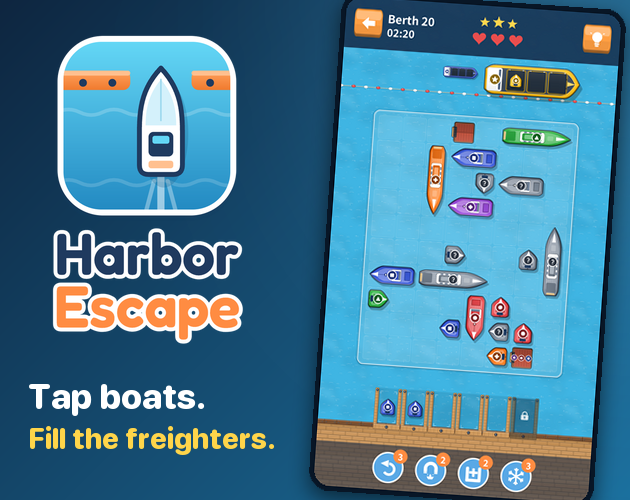
Tap boats out of a crowded harbor, load matching freighters, and plan around limited waiting berths in autorun666’s puzzle.
 NEW
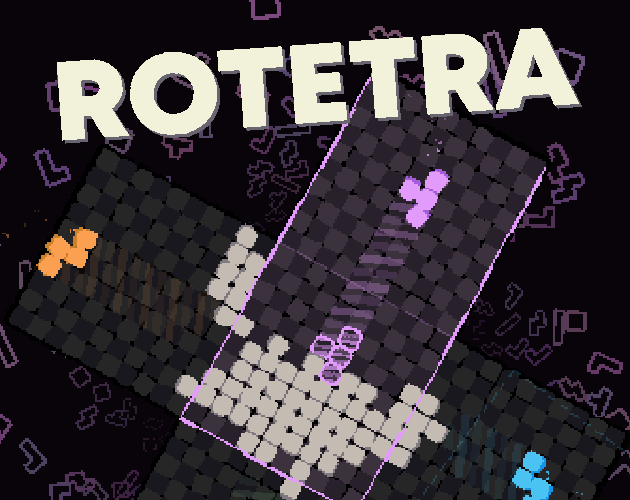
Rotate the whole board and juggle falling tetrominoes in Michael Kamm’s browser puzzle demo, with separate controls for the pieces and the grid.
 NEW
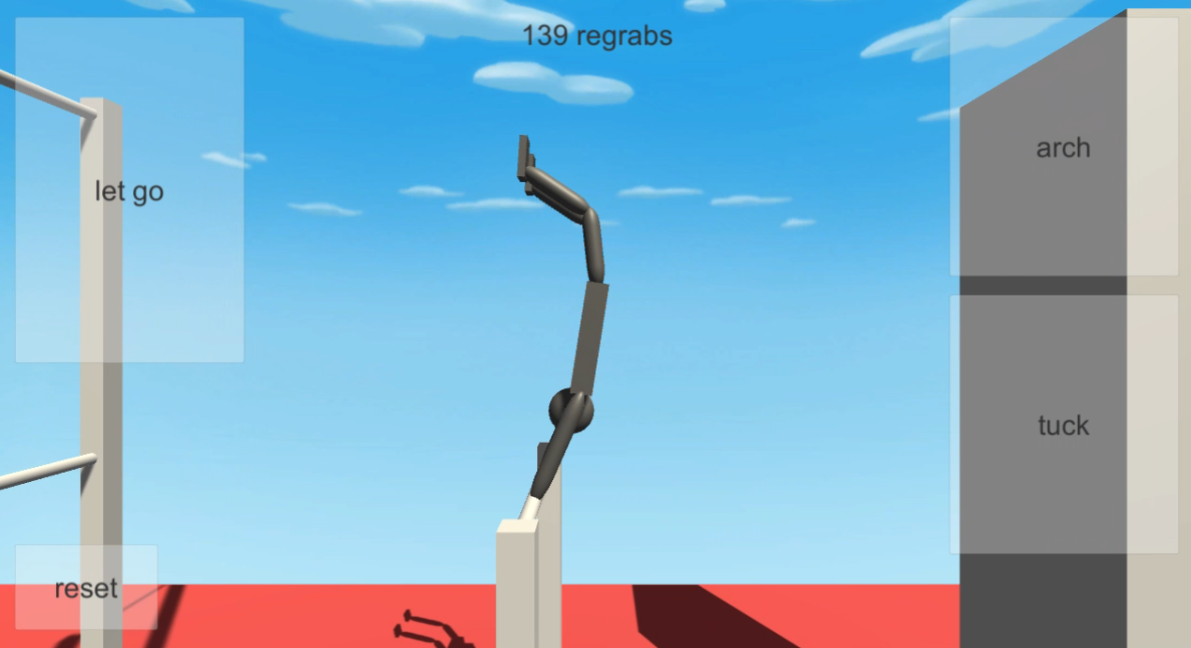
Experiment with a gymnast on a bar: arch, tuck, release your grip, and reset for another attempt in this Unity physics simulation by jamesnorth.
Color Block Jam is a sliding puzzle about moving colored pieces around a crowded board. You use the room around each shape to line it up with the right opening. Clearing pieces gives the ones still on the board space to move. This page uses the browser player hosted by 1Games. It opens with no app installation or purchase required to start.
A move that looks unhelpful on its own can open the route for the rest of a puzzle. A block near an exit might need to wait if another shape cannot pass behind it. Look at the space each piece occupies and the space it needs to turn a blocked route into a usable one. The source page describes increasingly complex boards, so the best first move can change from level to level.
Press Play Now above the preview to open the embedded player. Follow its opening prompts to start a board. On a computer, press the mouse button on the block you want to move, slide it along the board, and release it when it reaches the intended position.
At the start of a level, look at which shapes can move without another piece having to shift. Check the board edge for the opening you want to use, then trace the path between the piece and the opening. Look at the whole shape as you trace, including any protruding part. If it will not fit through the gap, find which piece blocks the path and move that piece first.
Look for a move that frees a useful area of the board. For instance, clearing a small piece near a narrow passage can create room to move a larger piece later. Sliding the large piece first may fill the passage and leave you with fewer options. If two blocks both fit through the same area, work out which order gives each one a place to go.
Keep a spare space when the board allows it. Use it as a temporary home for a block that you cannot clear yet, especially if another block must cross its route first. Before putting anything in that space, check that the piece you park there can leave again. A temporary position should serve the next move and still leave a path back out.
The first 1Games board opens with a five-minute timer, a blue block on the right, and a purple block on the left. The blue exit is on the top edge, while the purple exit is on the bottom edge. Drag the blue block up until it clears the top gate. Then drag the purple block down to its gate. The board is small enough to practice keeping a straight drag aligned with an exit.
After both pieces clear, the game displays Level Complete and offers a Continue button marked with a 40-coin reward. Use that screen as confirmation before looking for the next puzzle. The first level teaches color matching and dragging. For later boards, use the timer and layout shown on the screen. The pause button sits to the right of the board, while the timer and the restart icon sit above it. Four side controls start locked in the first level, with labels for levels 8, 10, 12, and 16.
Pick one piece and work backward from its destination. Identify the first cell or corner it cannot pass, then check the piece occupying that space. A short sideways move can be enough to clear the corner. If that move would close off another route, consider clearing the piece nearest a different opening first. Thinking about one blockage at a time makes a crowded puzzle easier to read.
Recheck the board after each piece clears. A new pocket can change which routes are possible. Before moving the next piece, decide where you want it to end up and which opening it needs to reach. On a small screen, use the player’s fullscreen control for a larger view if your browser offers it. Start the drag on the body of the piece so your input stays in the game area.
Color Block Jam is also the title of a mobile app supported by Rollic. This page loads the 1Games web player. A guide for a numbered board in the app can describe a different arrangement from what you see in this player. If you are following a walkthrough, compare the shapes and openings shown in the guide with the actual board before copying its move order.
Use the links below to find the source listing and the 1Games web player and the Rollic help link for questions about the mobile app. For another puzzle about freeing space before you make a move, Harbor Escape puts the same planning problem in a harbor: boats need a route out, and the waiting berths have limited space.
Yes. Press Play Now to load the 1Games browser player. You can start without installing an app.
Drag the block with your mouse. Choose a route with enough free space for the entire shape.
Find the first part of the route that is blocked. Move a neighboring piece or clear a smaller block to make room before trying again.
Use it only if the board and piece positions match. Compare the blocks and exits before following a solution.
Follow the 1Games browser player link below for this version.
Game information and controls checked on November 8, 2026. This is an independent game page.
This page uses the browser player and cover hosted by 1Games. The Rollic mobile app has separate support and progression. Artwork belongs to its respective rights holders.