Move
Walk through the catacombs on a keyboard.
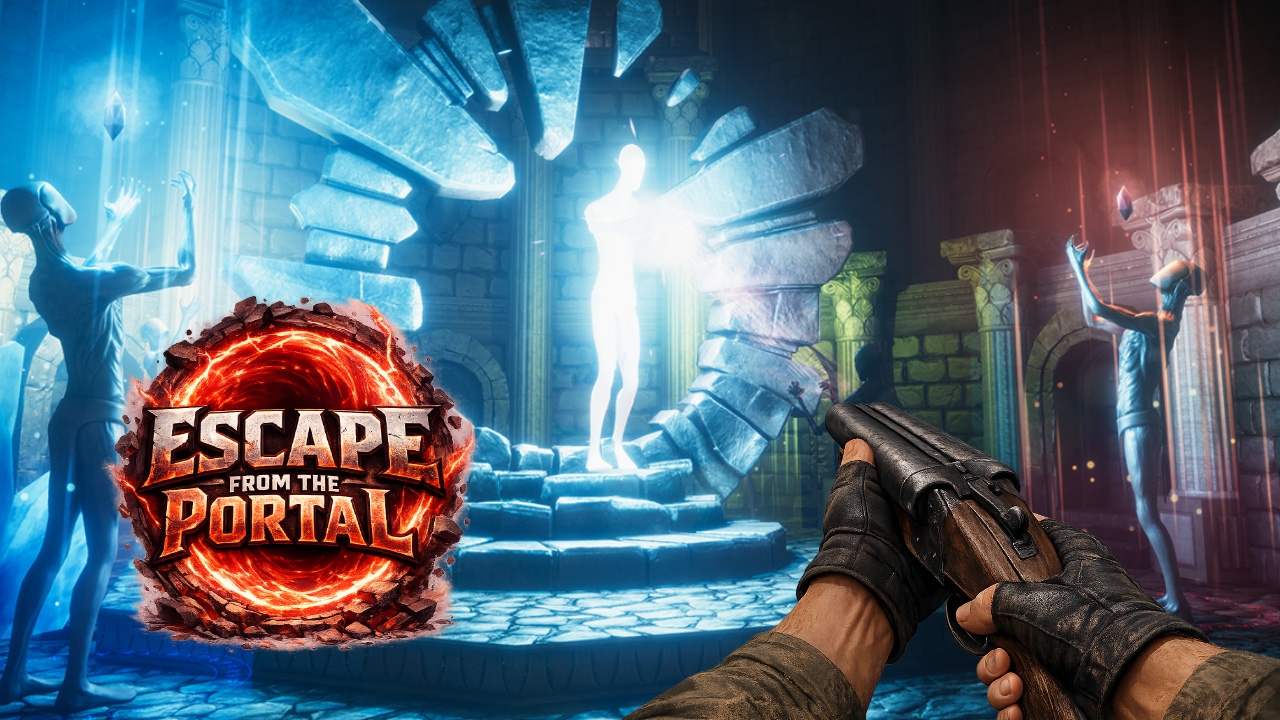
Contains dark dungeon scenes, monsters, traps, and horror imagery.
On desktop, click in the game before using the keyboard. GameDistribution lists touch and swipe controls on mobile. Open the original game page.
Controls checked against the linked game sources.
Walk through the catacombs on a keyboard.
Use the current object or interaction when the game prompts you.
Use the hint control when you are unsure what to do next.
Tab opens your inventory. C opens the shop.
Follow the in-game prompts for the numbered magic options available to you.
Pick another browser game. Each page includes a player, controls, and links to the creator.
 NEW
Dodge deceptive platforms and answer English questions within 20 seconds to respawn in theforumcenter’s browser game.
 POPULAR
Time jumps through spikes and portals in this rhythm platformer.
 NEW
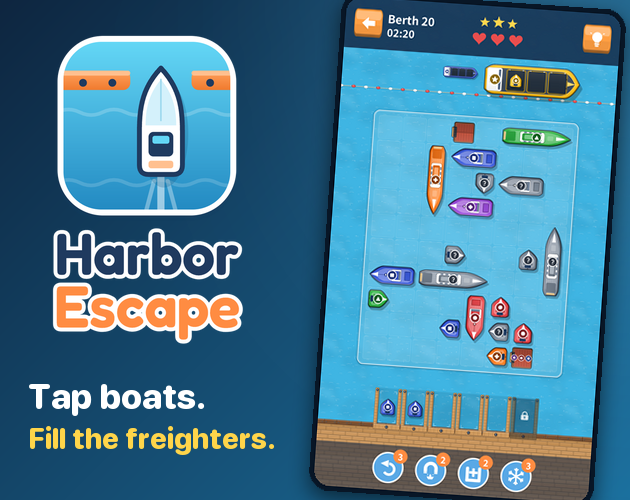
Tap boats out of a crowded harbor, load matching freighters, and plan around limited waiting berths in autorun666’s puzzle.
Escape From The Portal is a first-person horror adventure by Mirra Games. You are trapped between worlds and explore a dark network of catacombs looking for a way to activate an ancient portal. Traps and monsters stand in the way, and magical artifacts help you reach the exit. The portal is the objective of the adventure. The game centers on exploring the dungeon, reading clues, and using what you find.
Choose Play Now to load the Playgama player in your browser. The game uses a landscape play area, and the publisher provides controls for both keyboard and touch. You do not need to install an app to start. If you arrive with a walkthrough, check that it shows Mirra Games and the first-person catacombs before using the instructions.
In the opening scene, a character speaks to you in a stone room. You can advance the dialogue with the arrow beside the text or use Skip to move past it. Read the dialogue if you want the story setup before you begin exploring. When you reach a room you can move around in, use the controls below.
On a keyboard, use W, A, S, and D to move. Click inside the player after it opens so the game receives your keystrokes. Approach something you want to inspect and use E or the left mouse button when the interaction is available. That gives you two ways to use objects, which is helpful if you are already keeping one hand on the movement keys.
The publisher also lists H for a hint. Try it if you have checked an area and still cannot tell which object or direction matters. Take the hint as a lead and look for a matching feature in the room. A hint is easiest to act on while you remember what you just explored. If you step into a new room first, you may have to retrace your path to find what the prompt describes.
GameDistribution lists touch and swipe input for mobile browsers. On a phone or tablet, turn the screen sideways if the game area feels cramped, then follow the prompts inside the player. Leave the keyboard instructions for desktop and use the controls that the game presents on your device.
Pause at the entrance long enough to get your bearings. Look for the path back out, anything that moves, and objects you can approach without crossing a hazard. This gives you an order for exploring the room. Check the safest part first, then return to the entrance if you need another look at the layout. In a dark corridor it is easy to lose track of which side passages you have already checked.
When you encounter a monster or trap, give yourself enough space to turn back. Use the room you came from as a point of reference, especially if the passage ahead is narrow. If you find something you can use, check the prompt and look for an immediate change nearby. Keeping track of the last object you used makes it easier to connect clues from different rooms.
Press Tab to open your inventory and review what you have picked up. Check it when you reach an obstacle that appears to need an object or after you collect an artifact. The inventory is a better reference than memory if several rooms contain objects. Use C to open the in-game shop and read the options the game shows before making a choice.
The number keys are assigned to magic. Use the on-screen labels to match a number to an option that is available. If the key does nothing, look at the player focus and the current prompts before trying a different number. Save the distinction between an item you can inspect, an artifact you have collected, and a magic option you can use. Each answers a different question when you are working out what to do next.
The publisher describes the goal as activating the ancient portal to leave the underworld. Use that goal to decide what to revisit when you have several open paths. A room where you could not use an object on your first pass may make more sense after you pick up an artifact or get a hint. Keep track of those places instead of walking the whole area again.
If you came for traps in a different format, Forum Trapwords is a side-view platformer with English questions during play. Escape From The Portal keeps your view inside the catacombs, so the order in which you inspect rooms, use objects, and react to hazards shapes the adventure. Use the Mirra Games listing below for the controls and description of the edition embedded here.
Yes. Press Play Now to load the Playgama player for the Mirra Games edition.
Use WASD to move. Press E or click the left mouse button to use an object when prompted.
Explore the catacombs, collect and use artifacts, and activate the ancient portal to escape.
Press H for a hint. Use Tab to check your inventory and C to open the shop.
GameDistribution lists touch and swipe support for mobile browsers. The game is designed for a landscape play area.
Game information and controls checked on November 11, 2026. This is an independent game page.
Escape From The Portal is published by Mirra Games. This page uses the Playgama browser player and artwork provided through GameDistribution.