Start a run
Use Play in the game menu and follow the prompt for the launch.
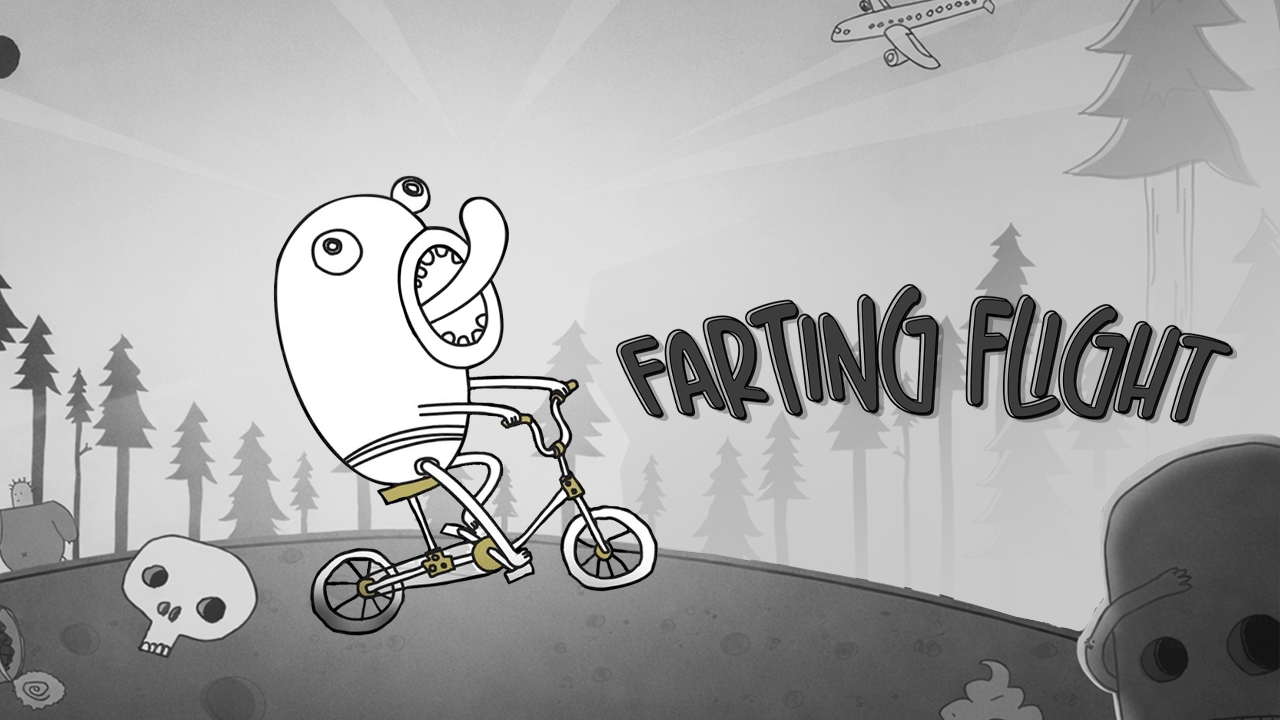
Select Play in the game menu. Follow the on-screen instructions for the current hill. Open the original game page.
Controls checked against the linked game sources.
Use Play in the game menu and follow the prompt for the launch.
Hold the input to build power before sending Doofus down the hill.
Release to start the descent. The terrain and obstacles influence how far you get.
Pick another browser game. Each page includes a player, controls, and links to the creator.
 NEW
Steer and jump through snowy slopes, avoid hazards, and collect gift boxes to unlock sleds in this 3D endless runner.
 POPULAR
Hold to run forward and release to avoid traffic as you race across busy roads.
 HOT
Dash through hazardous city streets, slide under barriers, leap past spikes, and evade a relentless robotic chaser in this 3D cartoon runner.
Farting Flight is a downhill physics game about launching Doofus and seeing how far he gets. The character and bike tumble down slopes as terrain, boosts, and obstacles change the run. A launch that looks smooth can turn into a crash on the next hill, and a rough landing can still carry Doofus into another roll.
The browser version opens on Hill 1. The illustrated menu includes the Play sign, the current hill, and a star counter. Choose Play in that menu to begin. The launch sets up the first part of the run, after which the slope and the character’s momentum shape what happens next.
The 1Games control guide describes clicking to start, holding the input to build launch power, and releasing to start the descent. Try a short hold on your first attempt. Watch where Doofus touches down and how fast he is moving when he hits the first dip or rise. On the next run, try releasing a little later and compare the result.
A useful launch carries Doofus beyond the first part of the slope and leaves enough momentum for the next obstacle. More launch power can send him farther before the first landing, but it also changes where and how he hits the ground. If two runs end in the same place, pay attention to the first landing rather than the last crash. That is where the runs may already have gone in different directions.
Watch for changes in the slope after the launch. A dip can keep Doofus rolling, while an uphill section can spend the speed he built earlier. Boosts and hazards can change the direction of the run again. The important moment is often the approach: take note of the angle at which Doofus reaches an obstacle and whether he is still rolling when he leaves it.
When the character stops rolling, the run ends. If that happens soon after the start, compare how the first few seconds look after a different release. Once you can get past the opening stretch, see which of your attempts still have momentum at the next hill. This gives you a point of comparison even when the crashes look very different.
Use the first hill to get a feel for the timing before switching terrain. The menu shows a sign for Hill 2. Follow the game’s own prompts for the hills and items available to you. For each new layout, start by watching the approach to the first slope and where a normal launch puts the rider.
Keep the hill the same when you are comparing launch timings. Changing both the hill and the release makes it harder to tell which choice changed the run. If you like downhill games and want direct steering around obstacles, try Sled Rider. Farting Flight puts the first decision at the start of the run, where you choose how to send Doofus down the hill.
Choose Play in the game menu and follow the launch prompt. Hold to build power, then release to send Doofus downhill.
The run ends when Doofus stops moving. Hills, boosts, and collisions can change how far he gets.
A stronger launch changes the first landing. A collision or a steep uphill section can take away the extra speed.
Yes. Play Now opens the 1Games browser player without an app installation.
Game information and controls checked on November 13, 2026. This is an independent game page.
1Games credits AZGames and supplies the browser player and cover art.